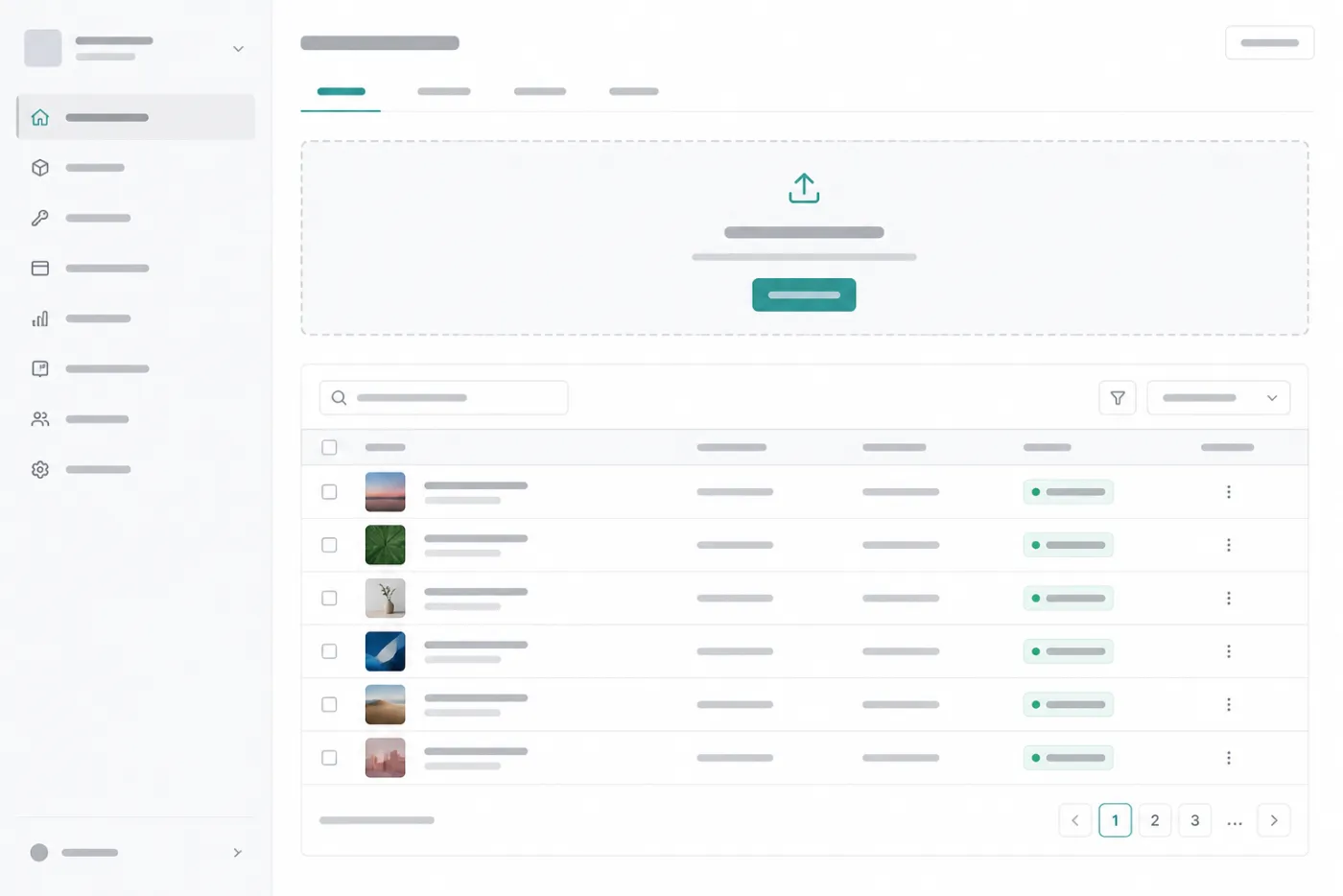
1 Upload
Send an image from your application or the BlobShift console. Use an API key scoped
to your project. Progress, retries, and large files are handled for you.
You do not configure buckets, CORS, or access policies. BlobShift is fully managed
storage for the retention window on your plan.
2 Optimize
BlobShift converts and transforms the image: modern formats (WebP and AVIF), resize
and crop, smart framing, watermark, and privacy cleanup.
Typical images are ready in a couple of seconds. Your code can wait until processing
finishes, or continue and receive a webhook when the asset is ready.
3 Deliver
Use the returned URLs in your product — galleries, product pages, avatars, proofs.
Public delivery is available on every plan; private signed URLs are available on Pro
and Scale.
Assets expire with your plan (7 days on Free, 30 days on paid). Delete earlier anytime.
BlobShift is a processing pipeline, not forever hosting.